The bootstrap is only as good as what it sees and what it is told. A one-line brief with no login produces a tidy suite for the sign-in page and the marketing site. Ten minutes spent on the brief and the crawl options produce a first draft that covers the application your users actually work in. This guide is the ten minutes. (For what the bootstrap does with the brief, see from a brief to a project.)
Two places to write
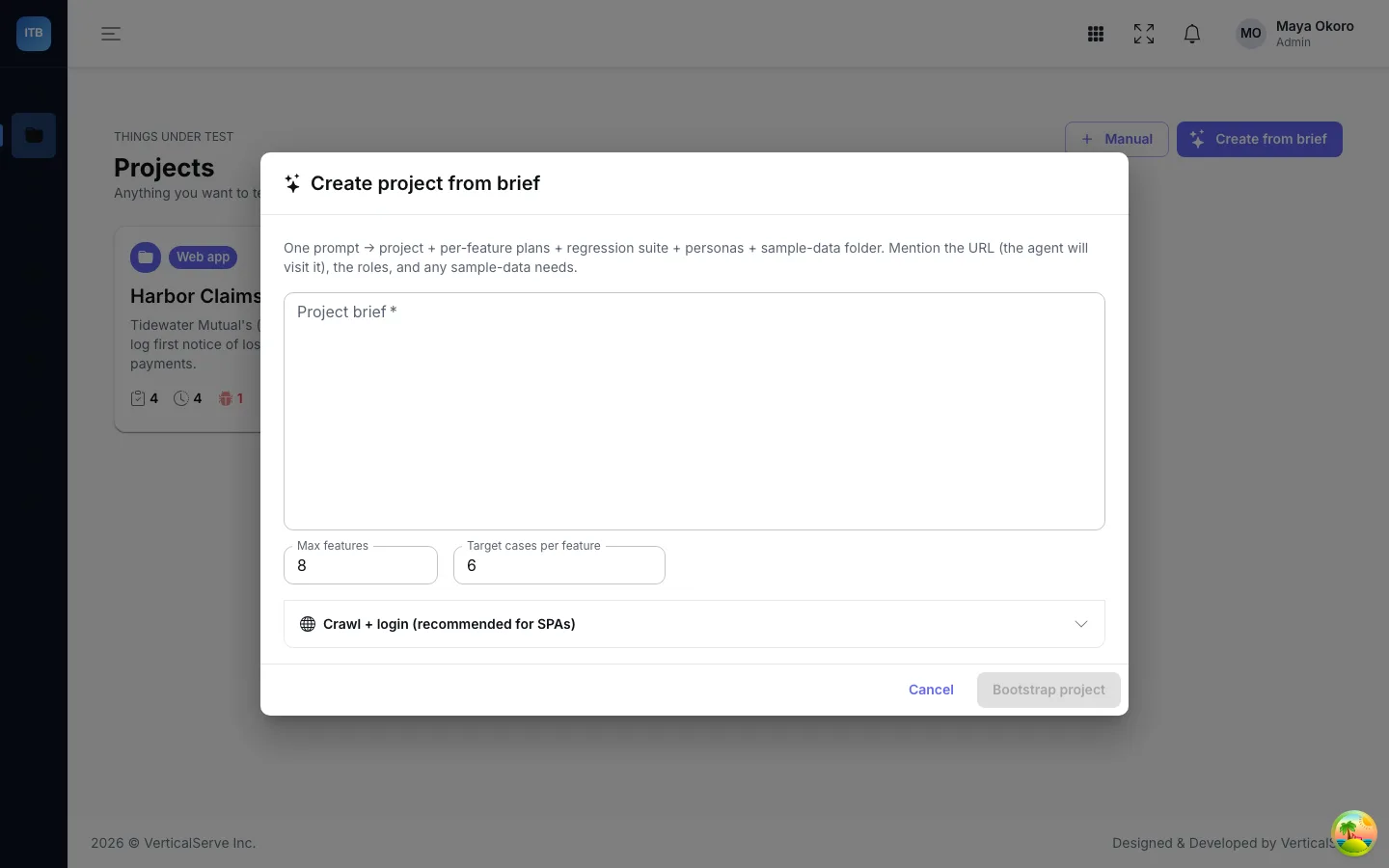
The brief is read by a model, so write it like a note to a new tester. The crawl options are read by the crawler, so they must be exact: a URL, a CSS selector, variable names. If there is no URL in the options, the agent takes the first URL in the brief; if there is none at all, it works from the brief alone and marks every feature as speculative.
A template
Test suite for <App name>, <one sentence on what it does and for whom>,
at <https://staging-url>.

Roles: <role A> (<what they do>), <role B> (<what they do>),
<role C> (<read-only? public?>).

Most important: <feature>, <feature>, <feature>.
Out of scope: <vendor login page, marketing pages, ...>.

Sample data: <feature> uploads <PDF/JPEG/CSV> files; <feature> needs
<a CSV of N rows with columns ...>. Put them under a sample-data folder.

Forms: validate <form> thoroughly (required fields, formats, limits).
And the brief behind the made-up claims portal used in this blog's screenshots:
Test suite for the Harbor Claims Portal, where Tidewater Mutual's
adjusters log first notice of loss, search claims and request payments,
at https://claims.staging.tidewater.example.test.

Roles: adjuster (FNOL, search, payment requests), supervisor (approves
payments over 10,000), anonymous (public claim-status page).

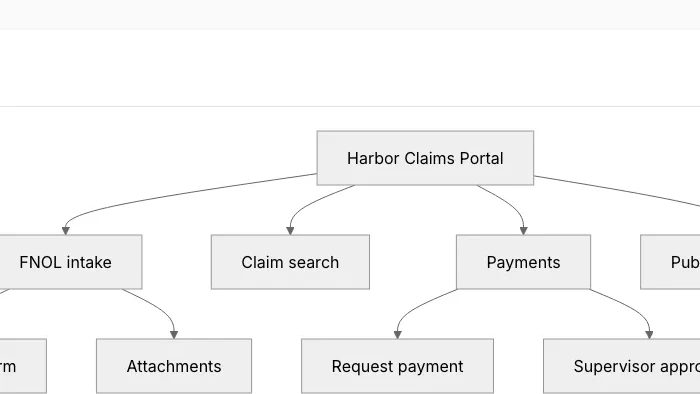
Most important: FNOL intake, claim search, payments and approval.
Out of scope: the SSO vendor's pages and the help centre.

Sample data: FNOL uploads JPEG photos of damage.

Forms: validate the new-claim form thoroughly (required fields, loss
date not in the future, policy in force on the loss date).
Getting the crawl to see the whole app
- Sign in. Give the login URL and the names of the variables that hold a test user's username and password; set those variables on the bench host. The review reports whether login was attempted and whether it succeeded, so you will know.
- Tell it when sign-in is done. A post-login wait selector (an element that only exists once the app has loaded, such as
[data-testid=claims-dashboard]) stops the crawl from exploring a half-loaded page. - Pick the richest role. The crawl sees what its user sees. Bootstrap with the role that can reach the most pages, then refine with a brief about what the other roles can and cannot do.
- Seed what menus hide. Pages reachable only from an email link, a deep link or a row click may not be discovered. List them as seed URLs, one per line; the crawl visits them in addition to what it finds.
- Raise the page budget for big apps. The default of 15 pages suits a small portal. An enterprise app with many areas needs more, at the cost of a longer run.
Sizing the output
Max features (8 by default) and cases per feature (6 by default) bound the first draft. Start smaller than you think: five features with six good cases each are easier to review than twenty with eight. Add features later with Refine with brief, which leaves a plan alone when neither the brief nor the crawl gives a reason to change it.
Reviewing the first draft
- Read the exploration guide first. If an area is missing or says "not observed in the crawl", fix the crawl before the cases.
- Check the feature tree against how your team talks about the product; rename and merge now.
- Check personas. Each case names one; a permissions case for the wrong role is worse than none.
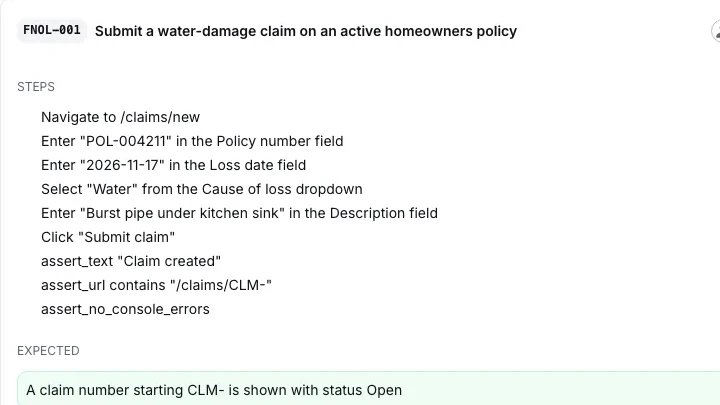
- Check assertions. Every case should end in an explicit
assert_*step; validate the cases (see cases the runner can read). - Fill the sample-data folder for features that upload files, with made-up or generated files, never real customer documents.
- Compose a small regression suite from the cases that must never break, and schedule that, not everything.
When the draft is wrong
Most problems trace back to the crawl. A guide that only covers public pages means login failed. A feature list full of admin screens when you wanted the user's view means the wrong role. Cases that reference pages that do not exist usually mean the crawl saw too little and the model filled the gap. Fix the input and refine; do not hand-edit forty cases built on a bad crawl.