Writing the first version of a test suite is the part teams postpone longest: someone has to walk the whole application, list what it does, decide who can do what, and write cases for each feature. InsightTestBench's Create from brief does that first pass from a paragraph. This article follows what happens to the paragraph, step by step, and what you should check afterwards.
What you give it
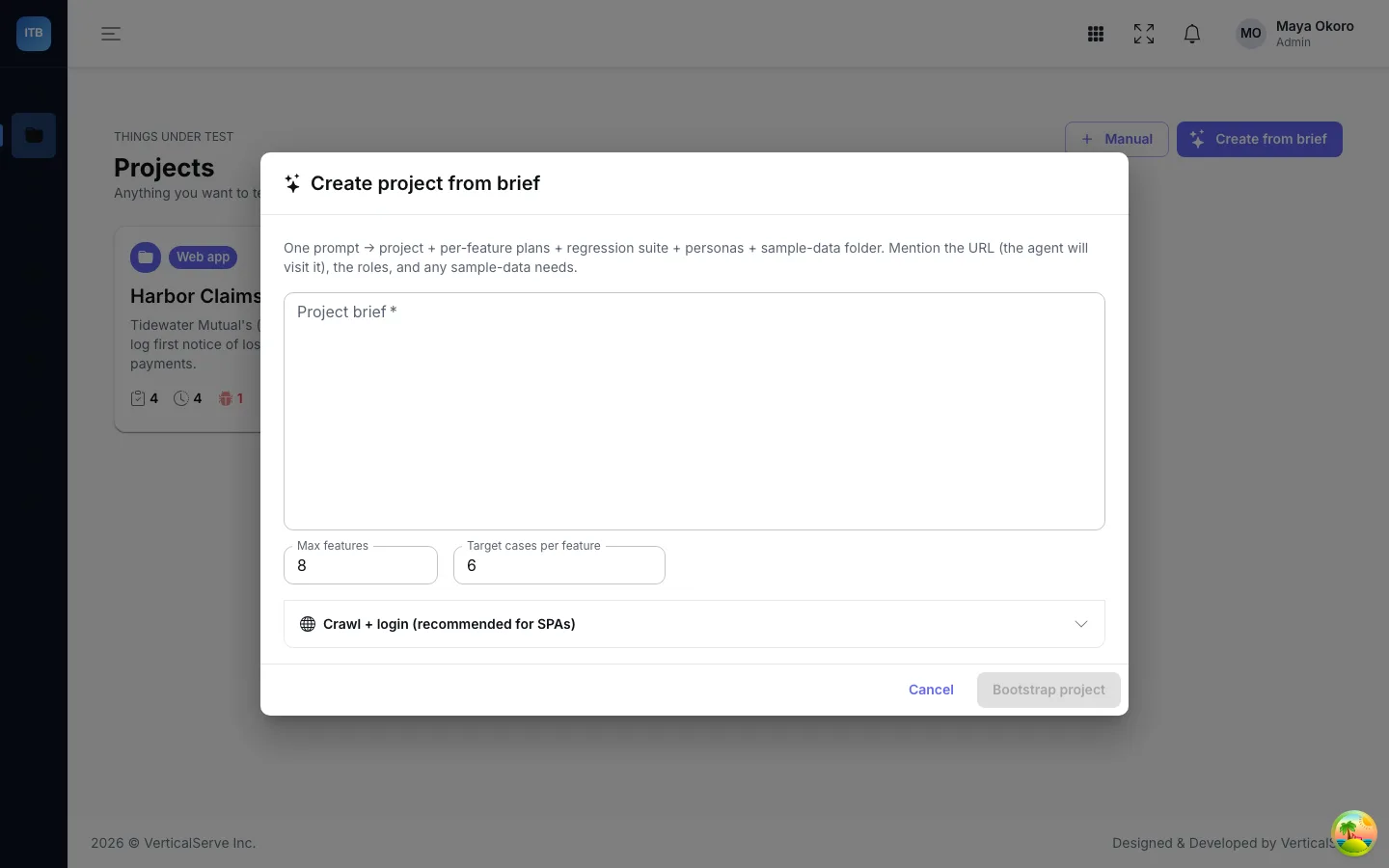
The brief is plain text: what the application is, the URL it lives at, the roles that use it and any features that need sample files. Two numbers bound the output: the maximum number of features (8 by default) and the target number of cases per feature (6 by default). An optional crawl section is recommended for single-page apps: a start URL, a login URL, the names of the environment variables holding the username and password, a selector that proves sign-in finished, a page budget (15 by default) and a list of seed URLs the crawl must visit even if no menu links to them.
The eight steps
- Review the target. If there is a URL, the agent calls a Playwright exploration tool that renders the app in headless Chromium, signs in if asked, clicks sidebar and menu items to find routes that are buttons rather than links, opens tabs, and returns a site map: per page, the title, headings, links, forms, data tables, a text excerpt and screenshots. The output is an exploration guide, nested by area. With no URL, the agent works from the brief alone and marks features as speculative.
- Enumerate features. One line per feature: an area path, a one-line description, the roles that use it and whether it has a form, needs sample data or opens detail pages by id.
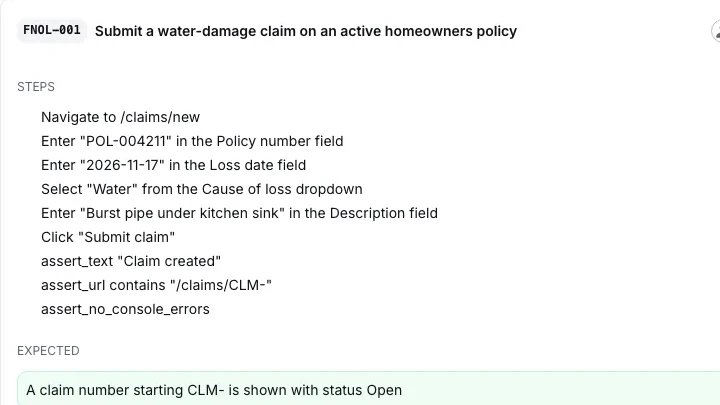
- Per-feature plans. Cases for each feature across happy paths, edge cases, errors and permissions, as plain steps the runner executes.
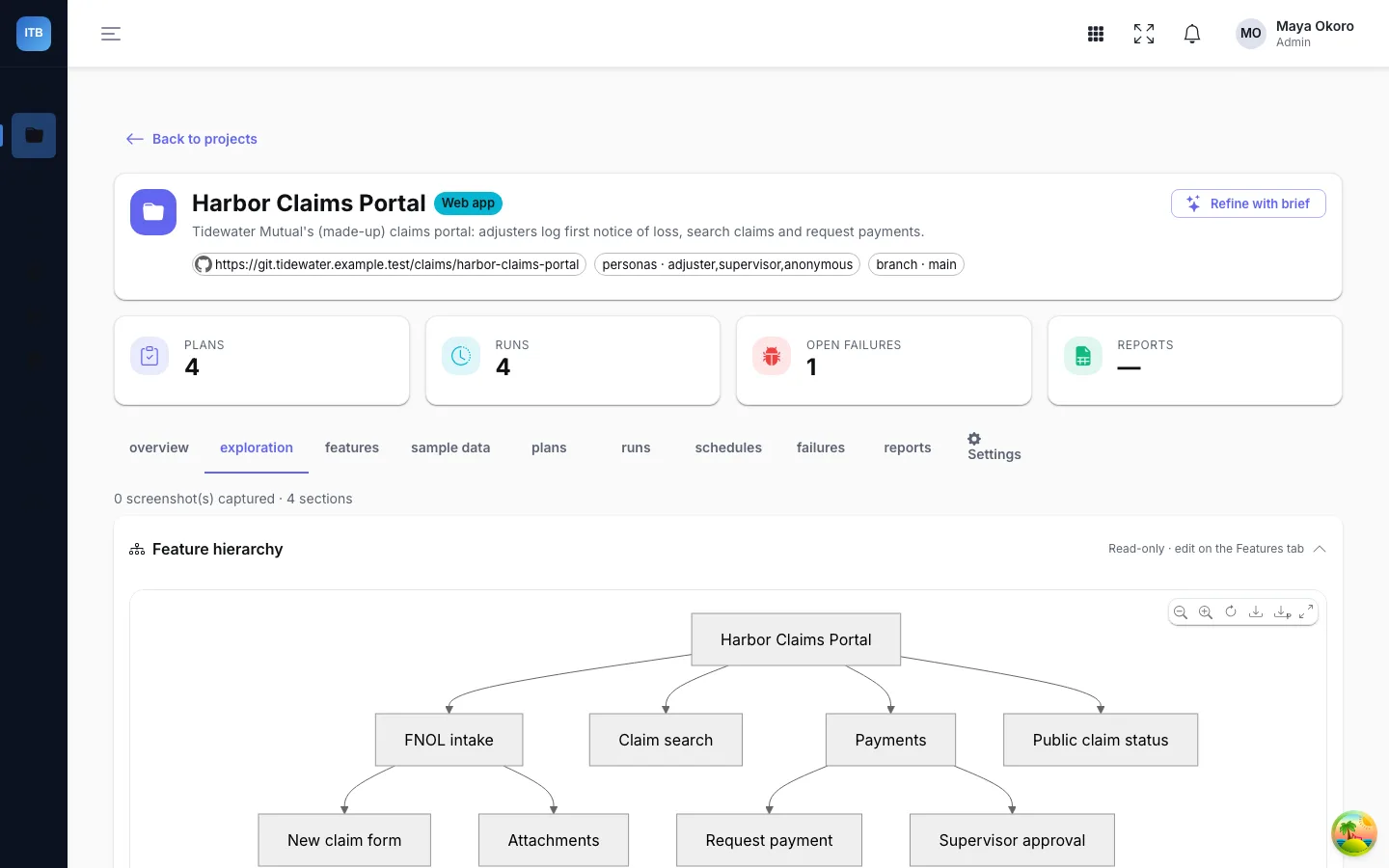
- Feature tree. A mermaid diagram of the application's areas and sub-surfaces.
- Responsive plan and UX audit plan: cross-cutting plans that look at layouts across viewports and at usability issues the crawl noted.
- Regression suite and project. A regression plan composed from the feature plans, then the project itself: name, kind, description, base URL, personas, configuration and a sample-data folder.
What you see while it runs
The bench does not wait for the end. It creates a placeholder project immediately, marked in progress, and sends you to it. As each step finishes, the result is written to that project: the exploration guide after the review, plans as the plan step produces them, the feature tree after step 4. When the app completes, the project is marked completed and its personas and regression suite land; if it fails, the project says so with the error, and what had already arrived stays.
Refining instead of regenerating
Every project has Refine with brief. A refine run sends the project's current state to the same app with your brief as a delta ("add the reinsurance workbench", "the admin role can also export"). The agent treats the existing project as ground truth and edits in place: new features get new plans, features the brief names are regenerated, and a plan is copied unchanged only when its feature is the same, nothing new was found for it and the brief does not touch it. For a single feature, the plan page's chat makes even smaller, targeted edits: a note in the guide, one added or updated case.
What to check before the first run
- Did sign-in work? The review reports whether a login was attempted and succeeded. If not, the guide covers only the public pages; fix the variable names and refine.
- Is the feature list right? Rename, merge or drop features before you invest in their cases.
- Do the cases assert? Every case should end in an explicit
assert_*step; see cases the runner can read. - Does sample data exist? Features flagged as needing files get a folder; put real (non-sensitive) or generated files there.
- Is the regression suite small enough? It should cover the paths that must never break, not every case.
Related: writing a brief that bootstraps well.