A SaaS product rarely has one environment and one kind of user. It has staging, a user-acceptance environment that customers' admins try releases in, a demo tenant for sales, and roles that see very different screens. A suite that only runs as one admin on one URL tests a fraction of the product. This example shows how InsightTestBench keeps one set of plans and runs it everywhere, as everyone.
Larkspur's people platform
Larkspur (a fictional company) sells an HR platform: employees request time off and update their details, managers approve requests, HR admins run payroll exports and configure policies, and a read-only auditor role can view but not change anything. Dev, the QA engineer, has to sign off each release on staging and then on UAT, where some customers' admins sign in through a test SSO page.
One configuration, keyed by environment
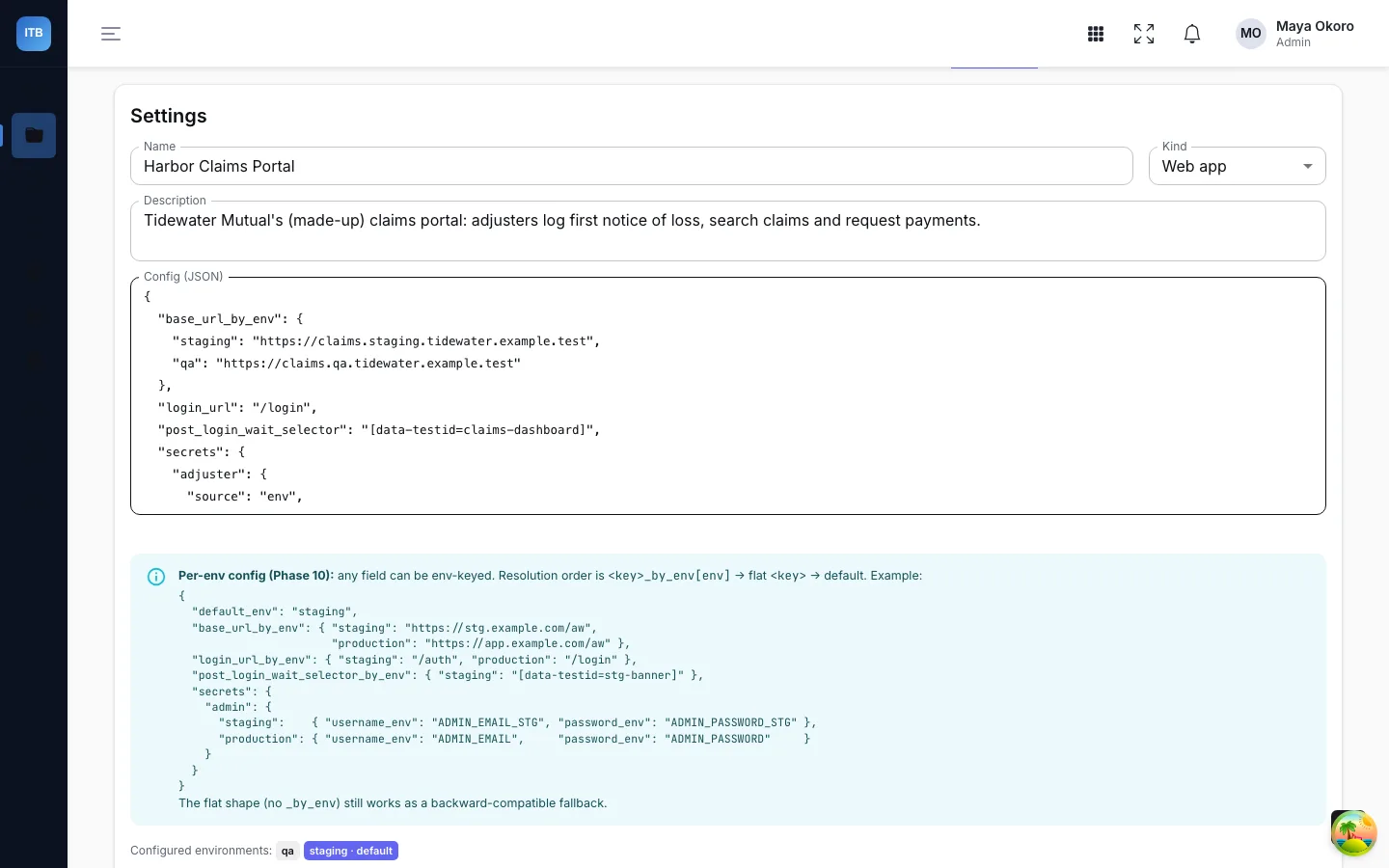
A project's configuration is JSON. Any setting that differs between environments can be given a _by_env form; settings that
do not differ stay flat. When a run starts, the bench resolves each key for that run's environment in a fixed order.
Dev's configuration, abridged:
{
  "default_env": "staging",
  "base_url_by_env": {
    "staging": "https://app.staging.larkspur.example.test",
    "uat":     "https://app.uat.larkspur.example.test",
    "demo":    "https://demo.larkspur.example.test"
  },
  "login_url_by_env": { "staging": "/login", "uat": "/sso/test-login", "demo": "/login" },
  "post_login_wait_selector": "[data-testid=home-feed]",
  "secrets": {
    "hr_admin": {
      "staging": { "username_env": "LH_ADMIN_USER_STG", "password_env": "LH_ADMIN_PASS_STG" },
      "uat":     { "username_env": "LH_ADMIN_USER_UAT", "password_env": "LH_ADMIN_PASS_UAT" }
    },
    "manager":  { "username_env": "LH_MANAGER_USER", "password_env": "LH_MANAGER_PASS" },
    "employee": { "username_env": "LH_EMPLOYEE_USER", "password_env": "LH_EMPLOYEE_PASS" }
  }
}
UAT signs in on a different path, so login_url_by_env has three entries; the post-login selector is the same everywhere, so it
stays flat. The admin has separate test users per environment; the other roles use the same variable names everywhere. Older, flat
configurations (one login_url, secrets[persona] without environments) still work: the resolver detects the shape
per persona.
Secrets are names, not values
Nothing in the project, the database or the UI holds a password. The configuration names environment variables, your deployment sets them
on the bench host, and at dispatch the bench resolves the project's secrets and adds them to the worker process's environment only; the
run's live log lists the variable names it injected, never the values. The persona and environment of the run decide which pair of names
the executor uses to sign in. Today the env source is the one implemented; the configuration format already has slots for AWS Secrets Manager, Vault and file sources,
which are stubs for now.
Personas, and running as all of them
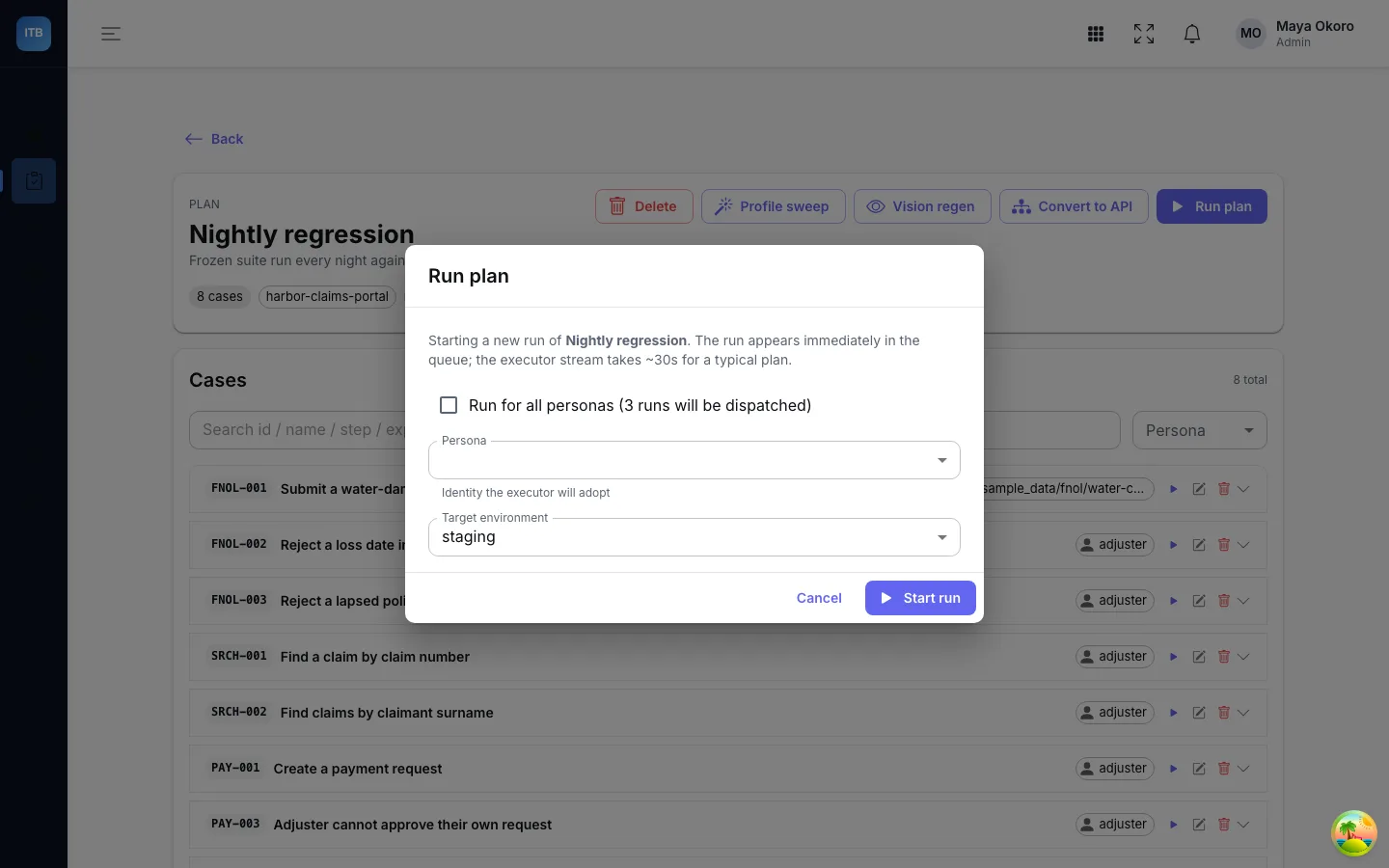
Each persona is a role with a name, a description, the variables it needs and a note on how it signs in. Cases name the persona they run as; a plan's run dialog picks the persona and the environment, or ticks Run for all personas to dispatch one run per persona at once. Each persona's run is compared with that persona's own baseline, so an employee's run is never compared with an admin's.
How Dev signs off a release
- Run the regression suite on staging for all four personas. Every regression gets a look before anything moves on.
- Run the same suite on UAT as the HR admin and the employee, the two roles customers' admins actually test.
- Run the permission cases as the auditor on both: every write action should be refused.
- Keep a nightly schedule per environment for the employee persona, the largest population, notifying on regressions only.
Things to decide up front
- Which environments are first-class. Every
_by_envmap should list all of them, or set adefault_env. - Which roles need their own test users per environment. Shared names are simpler; separate ones keep a UAT password out of staging.
- Who owns the variables. They live in your deployment's secret store and reach the bench host as environment variables.
- Which personas each schedule runs as. One schedule is one persona and one environment; add schedules rather than widening one.
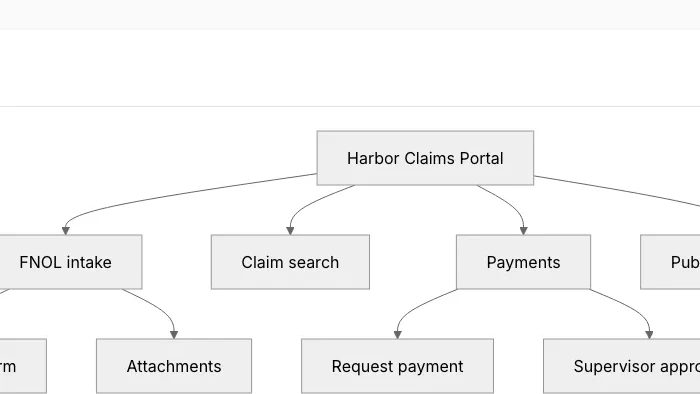
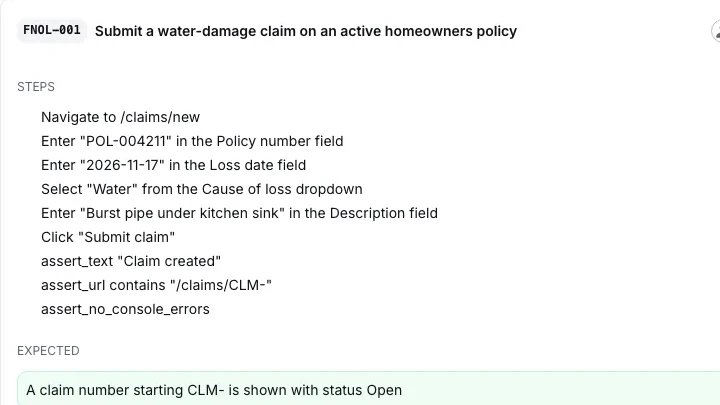
.example.test domain cannot resolve). The screenshots show the made-up claims-portal project used elsewhere in this blog, from InsightTestBench running locally with example data.